


Skip to content
View in the app

A better way to browse. Learn more.

Kings Island Central Forums

A full-screen app on your home screen with push notifications, badges and more.

To install this app on iOS and iPadOS
  1. Tap the Share icon in Safari
  2. Scroll the menu and tap Add to Home Screen.
  3. Tap Add in the top-right corner.
To install this app on Android
  1. Tap the 3-dot menu (⋮) in the top-right corner of the browser.
  2. Tap Add to Home screen or Install app.
  3. Confirm by tapping Install.

warmccarty

Members
  • Joined

  • Last visited

  1. warmccarty joined the community
  2. warmccarty replied to fryoj's topic in Kings Island
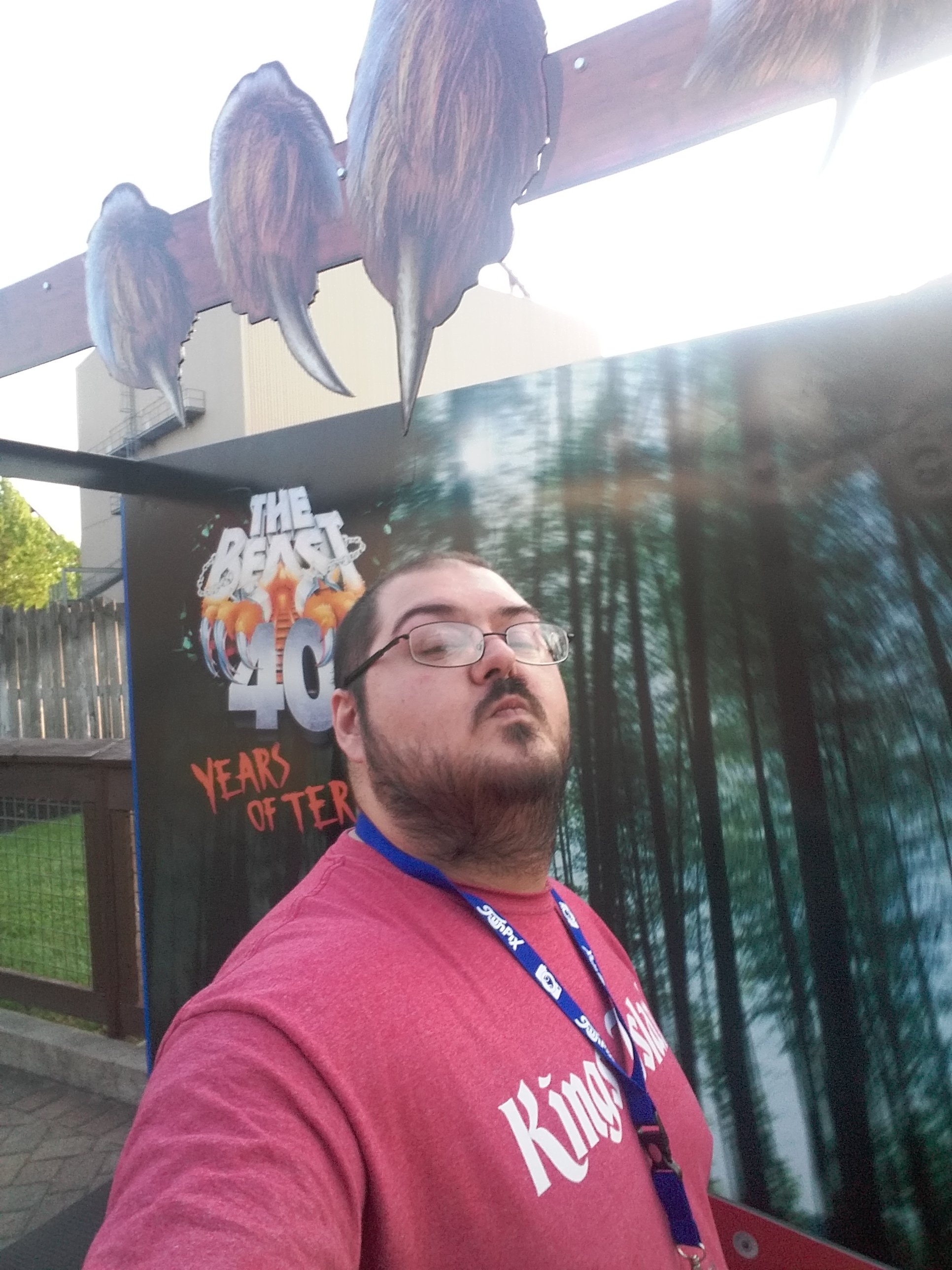
    HI guys and gals. I was having a conversation in the Brewhouse tonight, about our new Gigas potential. Specifically theming. Maybe we are looking the wrong way for the rides theming. Orion was known for hunting the greatest Beasts (hint hint) on Earth. A section of track that is 30 feet from The Beast, locked in an eternal struggle. The power of Orion versus the ferocity of The Beast, playing out in the woods of Rivertown, back to Orions home in the stars.... Just a theory

Background Picker

Account

Navigation

Search

Search

Configure browser push notifications

Chrome (Android)
  1. Tap the lock icon next to the address bar.
  2. Tap Permissions → Notifications.
  3. Adjust your preference.
Chrome (Desktop)
  1. Click the padlock icon in the address bar.
  2. Select Site settings.
  3. Find Notifications and adjust your preference.
