


Skip to content
View in the app

A better way to browse. Learn more.

Kings Island Central Forums

A full-screen app on your home screen with push notifications, badges and more.

To install this app on iOS and iPadOS
  1. Tap the Share icon in Safari
  2. Scroll the menu and tap Add to Home Screen.
  3. Tap Add in the top-right corner.
To install this app on Android
  1. Tap the 3-dot menu (⋮) in the top-right corner of the browser.
  2. Tap Add to Home screen or Install app.
  3. Confirm by tapping Install.

JParks38

New Member
  • Joined

  • Last visited

  1. Moderator hiding my reply to his comment when I proved him wrong this is a very interesting tactic for a moderator to pull especially when he’s criticizing KI saying to expect their comment to be hidden
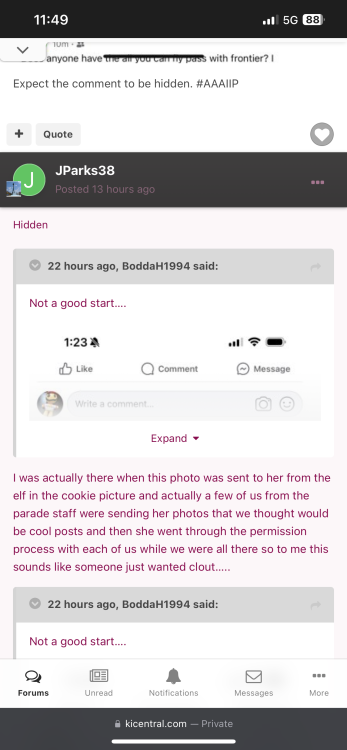
  2. I was actually there when this photo was sent to her from the elf in the cookie picture and actually a few of us from the parade staff were sending her photos that we thought would be cool posts and then she went through the permission process with each of us while we were all there so to me this sounds like someone just wanted clout…..
  3. JParks38 joined the community
  4. JParks38 replied to BeeastFarmer's topic in Kings Island
    Didn’t realize people weren’t allowed to be Human. You must be perfect in every way.
Background Picker

Account

Navigation

Search

Search

Configure browser push notifications

Chrome (Android)
  1. Tap the lock icon next to the address bar.
  2. Tap Permissions → Notifications.
  3. Adjust your preference.
Chrome (Desktop)
  1. Click the padlock icon in the address bar.
  2. Select Site settings.
  3. Find Notifications and adjust your preference.
