EPink
Members
-
Joined
-
Last visited
-
I may have missed it - and I know there are two conversion machines in the front.. does anyone know where the others are located?
-
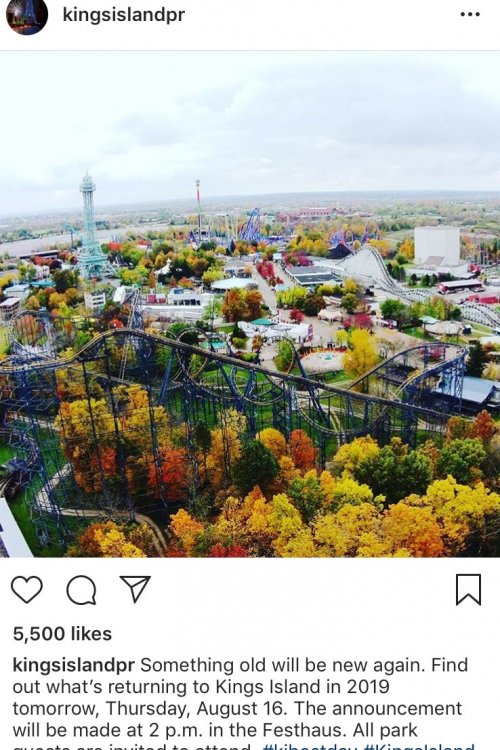
This instagram post from the Antique Cars announcement predominantly features The Vortex (in the fall). Maybe a hidden (up front) message about what will be leaving KI?
-
From the original topic of stakes by The Racer - We were in Dinosaurs Alive and saw similar stakes near a freshly poured blacktop driveway. I'm guessting it was utilities or even surveying for the access road.
-
If you delete your pass, then re-add, it shows the number of visits and updated information. It must only pull your data into the app at the time you add the pass and does not sync after that.
-
Thanks! I kept looking under "Rider Height Requirements" which has not yet been updated. It looks like the Space Buggies are 36" on the front screen, but if you drill in it says 42" .
-
Hello, I've searched the forums and the KI website and app with no luck - any idea on the height requirements (if any) for the two new rides? Thanks!! I love these forums!