jlarimore
Members
-
Joined
-
Last visited
Everything posted by jlarimore
-
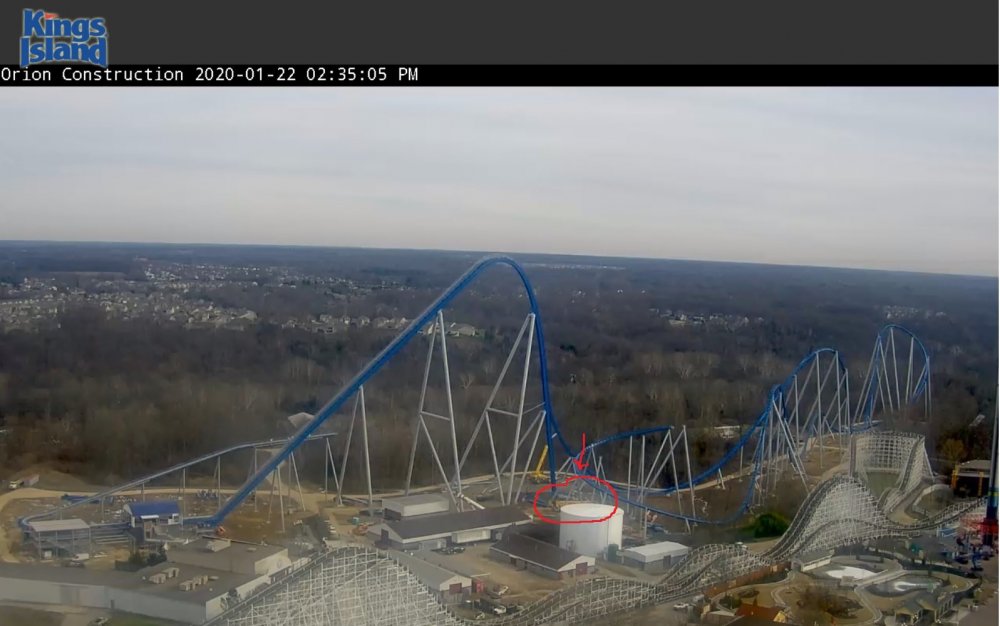
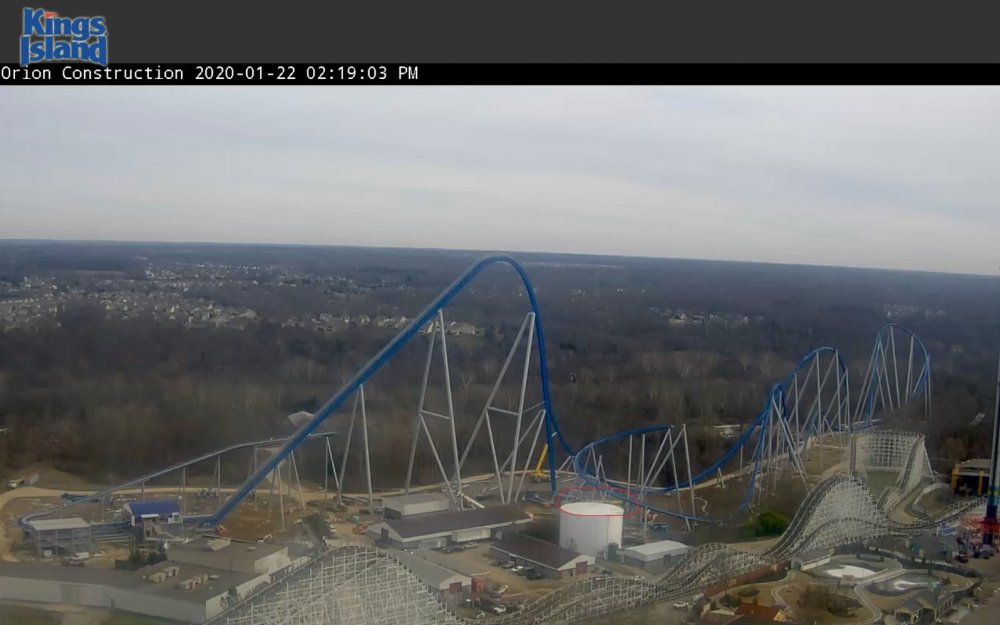
That's the new crane I was talking about, it was behind the water tower, was just moved.
-
Looks like a larger crane is back on site.
-
Best catch I have gotten so far.
-
New blog entry and two new photos of the red train testing.
-
What I find interesting is the temporary queue fences that have been set up in the splash pool. Could we see a train making a pass sometime soon? Oops, Tycoon beat me to it. lol
-
It looks like train #3 is being put on.
-
It could be as simple as checking alignment of brakes on the brake run. They could be testing proximity sensors also.
-
Could be some possible clearance testing starting as there is a single lead car on the main line now.
-
That lead car was backed in behind the storage track area at about 11:25 today. I happened to see a small flatbed truck with something on it. It looked like a car but it was hard to tell on the webcam. It was still wrapped in plastic on the truck.