
RedSummit20
Members
-
Joined
-
Last visited
Everything posted by RedSummit20
-
Yeah possibly. Im digging it too! Love the new view from the park
-
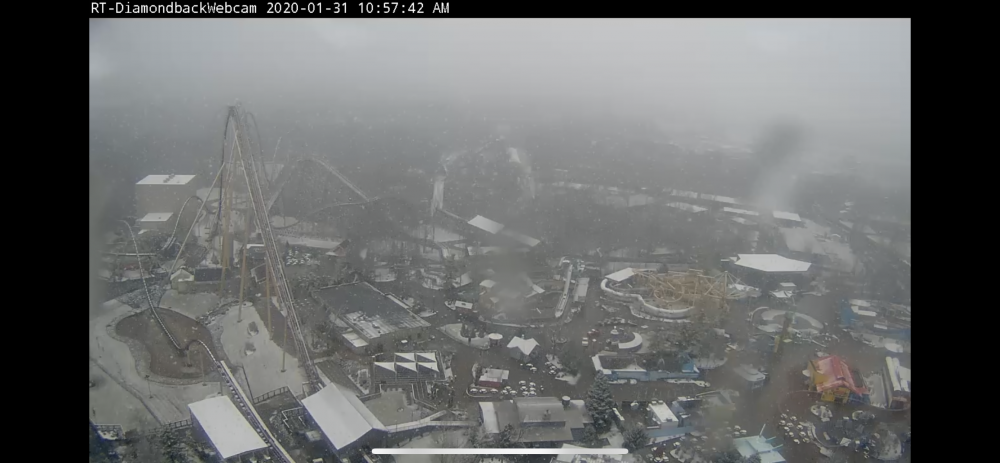
Here’s mine lol
-
Nope mines gtg
-
what happens if the drone is above the "airspace" that you are allowed to fly in?
-
Yeah Orion is 5321 and Diamondback is 5282ft it has to be in the brake run.
-
watch it not fit lol after all that work
-
Maybe for media??
-
I hope not LOL
-
I know them Fye Coaster guys are in a few clubs. Get ahold of them. But yes its worth it!
-
yepp you can its not down yet. havent you seen the photos??
-
same here
-
yeah true. i see people go up there all the time and take photos and videos ive never been up there though.
-
Nothing from stopping us to go up there and record behind Great Wolf though!
-
lol ehh
-
He does it to me all the time.
-
Ohio **has,
-
i mean it is raining im sure they are doing some work
-
How do you get invited to media day?
-
I see this more of a future Kd thread. as well i hope its a new coaster!
-
https://www.kingsdominion.com/blog/2020/our-crypts-are-sealed
-
https://www.visitkingsisland.com/blog/2020/january/how-you-can-be-one-of-the-first-riders-on-kings-islands-new-orion-roller-coaster
-
Yeah i know. But any remaints of the ride would just remind you of what use to be there
-
why would they just keep that??
-
Vortex will be down b4 the start of the season.
-
THANK YOU GUYS