




Leaderboard
-

beastfan11
Members2Points2,100Posts -
IndyGuy4KI
Admin2Points10,698Posts -
RollerColt
Members2Points468Posts -
.png.d6d23ff1c3467b81a02dd2f7ecefcb39.png)
Hawaiian Coasters 325
Members1Points4,287Posts

Popular Content
Showing content with the highest reputation on 08/29/2026 in all areas
-
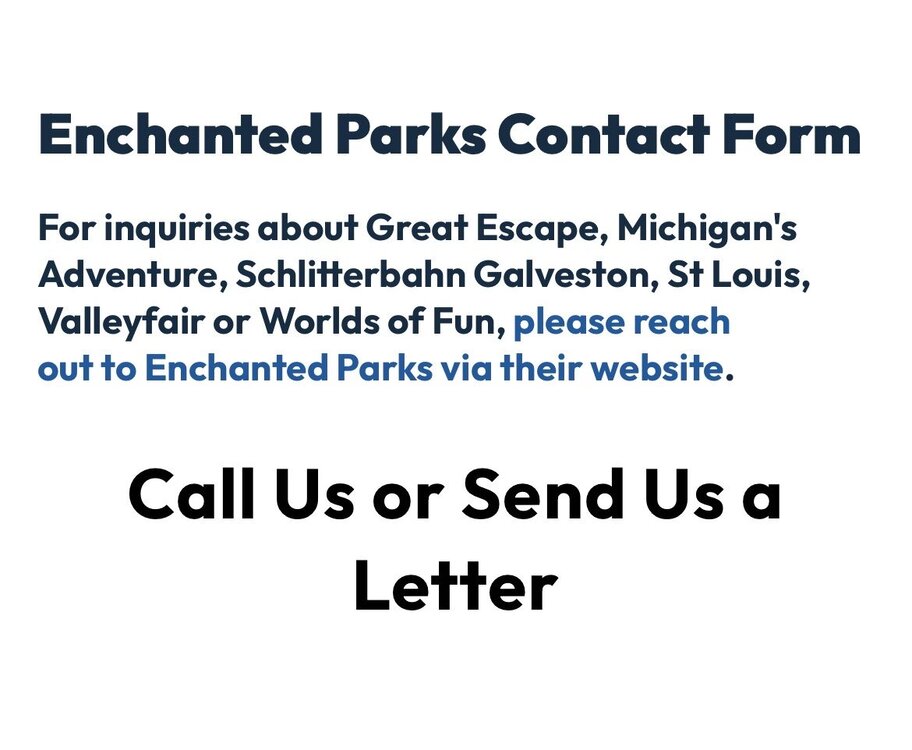
I used the FAQ feature in the app to ask if PT:ON will be open during Halloween Haunt and it encouraged me to reach out to Enchanted Parks. 🤙🏻 Great job, chain! Appreciate the Mid-Answer.
 2 points
 -
2 pointsI didn't like the merger when it happened, and I still don't like it today. I think it's possibly the worst thing to happen for our specific park.2 points
-
The whole marketing department is a mess right now! Check out @DonHelbig latest facebook post about it.1 point
-
1 point
-
1 pointLuckily, we have not seen to much of a change inside the park, but I still as not a big fan either.1 point

This leaderboard is set to New York/GMT-04:00